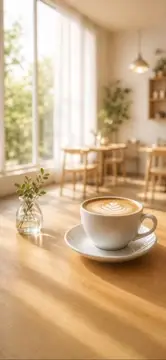

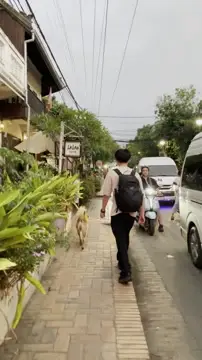
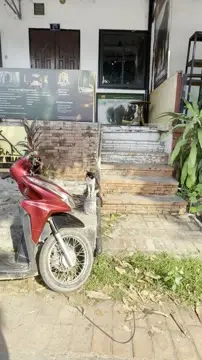



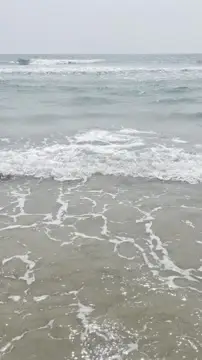


あなたの1日が、1本のVlogになる Your day,in one Vlog
撮った動画は、日付ごとに自動でつながる。
直したいところだけ、ストーリーのような見慣れた画面で。
Your clips line up into one vlog for each day, automatically. Fix only what you want, on a screen that feels like Stories.
動画の編集で、
こんなことありませんか?Sound familiar?
-
全部のカットが1本の長いタイムラインに並ぶ。拡大と横スクロールをくり返して、並び替えもひと苦労。Every cut sits on one long timeline. You zoom and scroll back and forth just to move a clip.
クリップごとに、短いタイムライン。並び替えは一覧でつかんで動かすだけ。Each clip gets its own short timeline. Reorder by dragging in the list.
-
機能が多すぎて、使わないボタンばかり。操作を覚えるのも大変で、どこを触ればいいのか分からない。Too many features, most of them unused. There's a lot to learn, and it's hard to tell where to tap.
縦型のVlogに要るものだけ。驚くほどシンプルで直感的な編集画面。Only what a vertical vlog needs, in a remarkably simple editor.
-
操作ボタンに画面を取られて、プレビューが小さい。仕上がりが見えない。Buttons take up the screen and the preview ends up tiny.
SNSのストーリーのように、全画面のプレビューを見ながら直接編集できる。Edit while watching a full-screen preview, just like social media Stories.
撮るShoot
撮るだけで、
VlogになっていくJust shoot.
The vlog builds itself
撮った動画は日付ごとに並び、そのまま1本のVlogに。時刻と場所のラベルも自動で付きます。複数の日をまとめて、旅の記録にも。Your clips line up by day and play as one vlog. Time and place labels are added for you. Combine several days for a trip.
直すFix
気になるところだけ、
直せばいいFix only
what bugs you
編集は、全画面のプレビューの上で指で直接。カットもテロップも色味も、見慣れたストーリーの画面で終わります。Edit with your finger, right on the full-screen preview. Cuts, captions and color all happen on a screen that feels like Stories.
仕上げるFinish
Vlogらしい仕上げも、
ワンタップでThe finishing touch,
in one tap
各クリップの冒頭をつないで、Vlogの始めによく見るオープニングを自動で。BGMは収録曲から選ぶか、好きな曲を入れられます。An opening made from the start of each clip, the kind you see at the top of vlogs. Pick a built-in track or add your own music.
細かいところまで、
気持ちよくSmall things,
done right
ラベルの時刻はあとから変えられて、順番が前後したら教えてくれる。毎日使うものだから、小さな手間をひとつずつ減らしました。Change a label's time later, and get a heads-up if the order no longer makes sense. Small savings add up when you use it every day.
- 長押しで2倍速再生Hold to play at 2×
- テロップはゴミ箱へドロップで削除Drop a caption on the trash to delete it
- タイムラインへドロップでテロップをコピーDrop a caption on the timeline to copy it
- 時刻の順番が前後したら、そっと警告A gentle warning when times go out of order
- 元に戻す・やり直すUndo and redo
- 編集中も、ほかのアプリの音声を流せるKeep other apps playing audio while you edit
毎日を、Vlogに。Every day,
a Vlog.
App Store で入手Download on the App Store
基本の機能は、無料で使えます。
Proなら、さらにハイクオリティなVlogに。The basics are free.
Go Pro for an even more polished vlog.